
Sending Packages with
RideApack
Everything you need to know about preparing, booking, tracking, and successfully delivering your package. Whether you're sending documents, gifts, groceries, or electronics — RideApack connects you with nearby verified drivers.
Before You Send
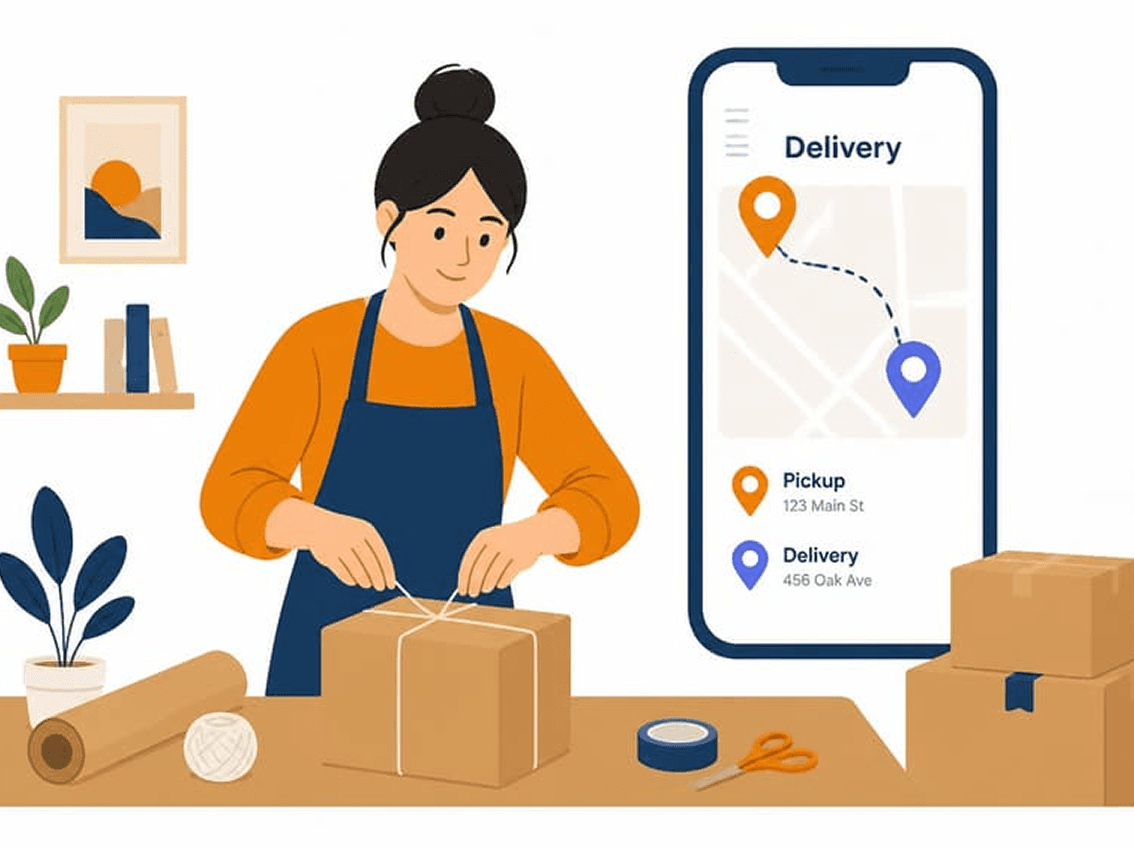
Make sure your package is ready before creating a delivery request.
- Package is securely packed
- Recipient details are correct
- Pickup location is accurate
- Delivery address is complete
- Package contents comply with RideApack policies
What You Can Send
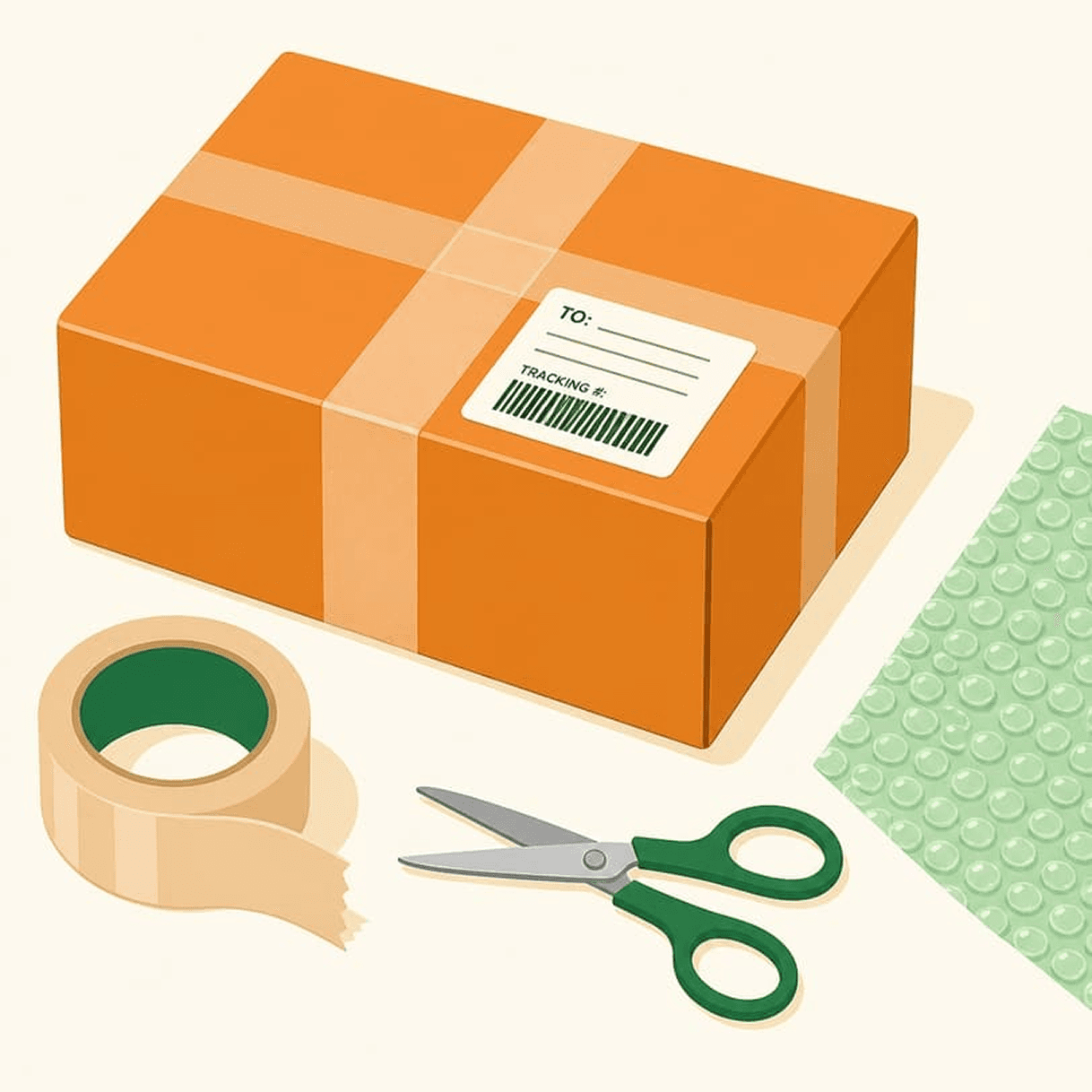
RideApack supports a wide range of everyday items.
Documents
Clothing
Electronics
Gifts
Groceries
Office Supplies
Business Parcels
Luggage
Books
Small Household Items
Medical Supplies
Small Furniture
All packages must comply with RideApack policies and local regulations. Prohibited items will not be accepted.
Prohibited Items
The following items may not be transported using RideApack.
- Illegal drugs or narcotics
- Firearms or ammunition
- Explosives
- Fireworks
- Hazardous chemicals
- Toxic materials
- Radioactive substances
- Live animals
- Human remains
- Counterfeit products
- Stolen goods
- Cash or negotiable instruments
- Items prohibited by local law
The sender is fully responsible for ensuring that every shipment complies with local laws and RideApack's policies.
Packaging Guidelines
Follow these tips to keep your package safe in transit.
Secure Packaging
Use strong boxes, envelopes, or protective wrapping to prevent damage.
Fragile Items
Clearly label fragile packages and use protective cushioning inside.
Liquids
Seal containers properly to prevent leakage and protect other items.
Electronics
Use original packaging whenever possible for best protection.
Large Packages
Ensure dimensions match the selected vehicle type before booking.
Label Clearly
Double-check recipient name, address, and contact number.
Booking a Delivery
An 8-step process from app open to package pickup.
- 1
Open RideApack
Launch the app on your mobile device.
- 2
Enter Pickup Address
Add the exact pickup location.
- 3
Enter Delivery Address
Add the full delivery destination.
- 4
Describe Your Package
Add size, weight, and special handling instructions.
- 5
Review Estimated Price
Review the estimated delivery cost before confirming.
- 6
Confirm Booking
Confirm your delivery request.
- 7
Driver Accepts Request
A nearby driver accepts and heads to pickup.
- 8
Package Picked Up
Driver collects your package at the pickup location.
Delivery Pricing
Understand how your delivery price is calculated.
Pricing depends on several factors that are calculated automatically before you confirm your booking.
Pickup & delivery distance
Package dimensions
Package weight
Vehicle type required
Current demand
Toll charges (where applicable)
Prices are estimated before booking and may vary depending on delivery requirements.
Tracking Your Package
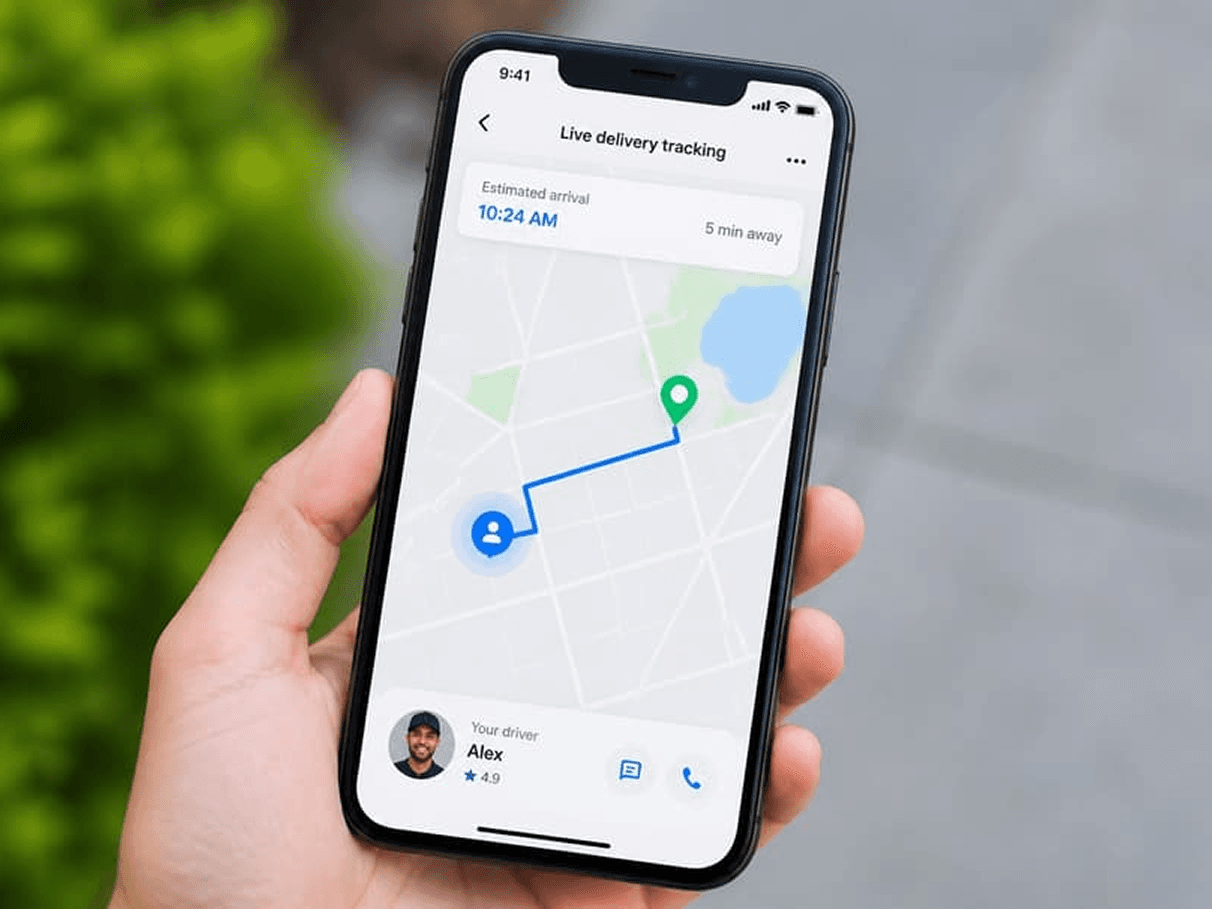
Every delivery includes live GPS tracking. Stay informed throughout the entire process.
Customers can:
- View driver location in real time
- Track delivery progress
- Receive pickup notifications
- Receive delivery updates
- Get notified upon successful delivery
Delivery Completion
Delivery is complete when:
- The driver reaches the destination
- Package is handed over to the recipient
- Delivery is confirmed in the app
After completion, customers can:
- View delivery history
- Download delivery receipt
- Rate the driver
- Report an issue if needed
What Happens If Something Goes Wrong?
Recipient Isn't Available
The driver will attempt to contact the recipient. If delivery cannot be completed, RideApack Support will assist with next steps.
Package Damaged
Report the issue immediately through the app. Our support team will investigate and respond promptly.
Wrong Delivery Address
Contact the driver as soon as possible. Additional charges may apply if a new destination is requested.
Driver Delayed
Track the driver live and contact them through the app if needed.
Booking Cancelled
Customers can cancel before the delivery is completed. RideApack currently does not charge cancellation fees.
DO
- Pack securely
- Share accurate information
- Keep your phone available
- Be ready at pickup
- Inform the recipient
DON'T
- Send prohibited items
- Misrepresent package contents
- Provide incorrect addresses
- Leave fragile items unprotected
- Ignore delivery updates
Frequently Asked Questions

What can I send?
You can send documents, clothing, electronics, gifts, groceries, office supplies, business parcels, luggage, books, and more.
Read MoreWhat items are prohibited?
Illegal drugs, firearms, explosives, hazardous chemicals, live animals, stolen goods, and items prohibited by local law.
Read MoreDo I need to package my parcel?
Yes. All packages must be securely packed before the driver arrives for pickup.
Read MoreHow is the delivery price calculated?
Pricing depends on distance, package size, weight, vehicle type, current demand, and toll charges where applicable.
Read MoreCan I schedule a delivery?
RideApack currently supports real-time, on-demand deliveries. Scheduled deliveries may be added in the future.
Read MoreWhat happens if the recipient isn't available?
The driver will attempt to contact the recipient. If delivery cannot be completed, support will assist with next steps.
Read MoreCan I cancel my delivery?
Yes. You can cancel before the driver completes the delivery. RideApack currently does not charge cancellation fees.
Read MoreWhat if my package is damaged?
Report the issue immediately through the app. Our support team will investigate.
Read MoreCan I send fragile items?
Yes, but use protective packaging and clearly label the package as fragile before booking.
Read MoreWas this article helpful?
Related Articles

Join thousands of smart
travelers and senders.
Be part of a community that delivers more, earns more, and
does good together.