Stay Recharged
Keep your wallet balance topped up before going online.
Everything you need to know about becoming a RideApack driver, completing deliveries, managing your wallet, and providing a great delivery experience on your own schedule.
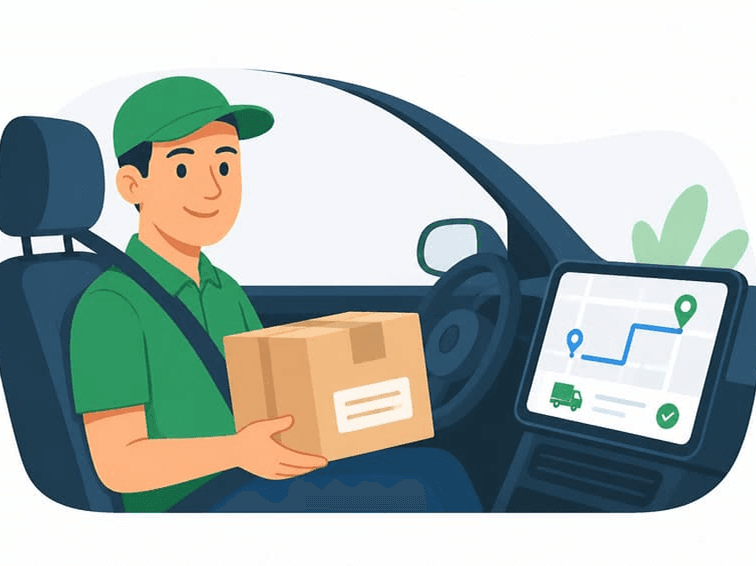
Join RideApack and start earning on your own schedule.
Registration is simple and can be completed directly through the RideApack app. Once approved, you can go online and start accepting delivery requests in your area.
RideApack gives you the flexibility to work when you want — no fixed schedules, no minimum hours. You decide when to go online and which deliveries to accept.
Download & Register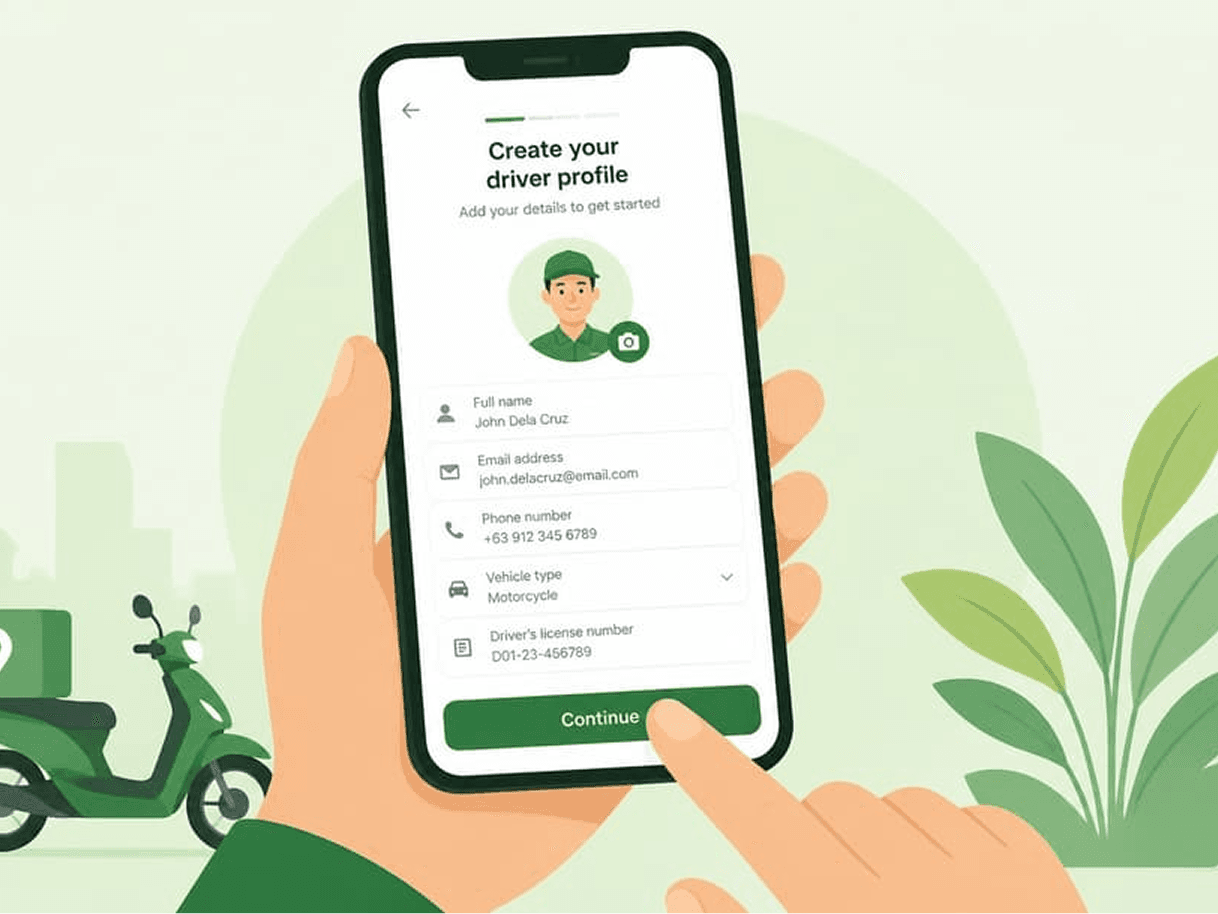
Document requirements may vary by region.
A valid national ID, passport, or equivalent.
Must be valid and current in your region.
Proof that the vehicle is registered in your name or approved.
Valid vehicle insurance covering the period of operation.
A clear, recent photo of your face.
Specific document requirements depend on your country or region. Check the app for requirements applicable to your location.
Every driver completes verification before accepting deliveries.
Upload all required documents through the RideApack app.
Our team reviews your identity and submitted documents.
Vehicle documents are reviewed where applicable.
You'll receive a notification once your account is approved.
Your account is active. Recharge your wallet and go online.
Verification times may vary depending on document quality and regional requirements. You'll be notified once your account is approved.
A complete profile builds customer confidence.
A clear, recent photo helps customers identify you.
Include make, model, color, and plate number.
Keep your phone number and email current.
GPS must be active to receive nearby delivery requests.
Read community guidelines before going online.
Once your account is approved, you're ready to start accepting deliveries.
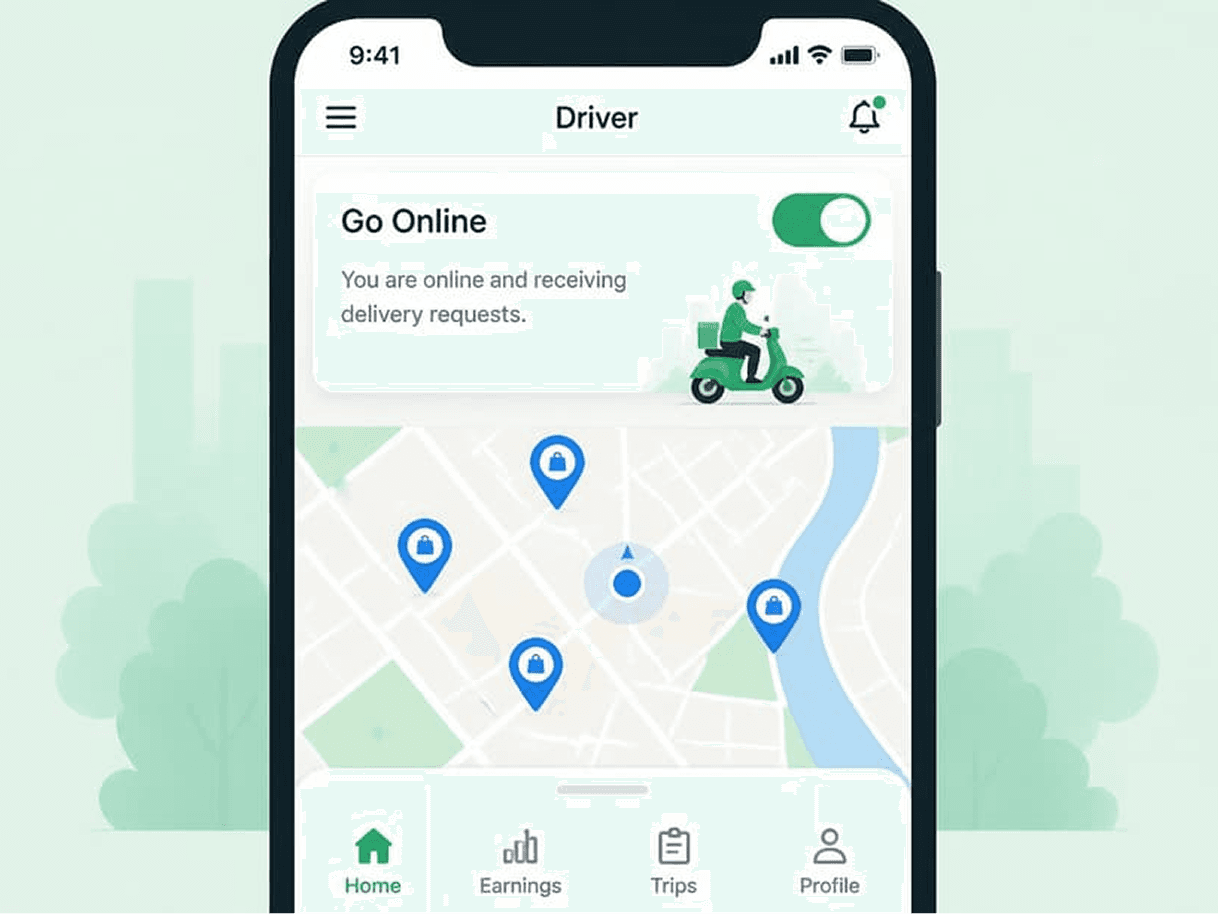
When you're online, nearby delivery requests appear on your screen. Each request includes:
You can always review the full delivery details before deciding whether to accept a request.
An 8-step workflow from acceptance to rating.
Review delivery details and tap Accept.
Head to the agreed pickup location.
Meet the sender and collect the package securely.
Tap Confirm Pickup so the customer is notified.
Navigate to the delivery address.
Hand the package to the recipient.
Complete the delivery confirmation in the app.
The customer can rate your delivery.
The RideApack Wallet is used to pay platform service charges. Drivers must maintain a sufficient balance before accepting deliveries.
Add balance via the app.
Browse and accept a request.
Deliver the package safely.
Fee removed from wallet.
Ready for next delivery.
Customers pay drivers directly using any mutually agreed payment method.
RideApack does not process customer delivery payments.
The service charge is automatically deducted from the driver's wallet only after a successful delivery.
Drivers can see the applicable service charge before accepting a delivery.
No service charge is deducted for cancelled deliveries, subject to RideApack's policies.
After every completed delivery, customers can rate your performance. Maintaining high ratings is key to staying visible on the platform.
Improve your ratings by:
Consistently poor ratings may affect your visibility on the platform or reduce your access to delivery requests. Contact support if you believe a rating was unfair.
Make the most of your time on RideApack.
Keep your wallet balance topped up before going online.
Only accept deliveries you can complete on time.
Review package info carefully before pickup.
A dead phone means missed deliveries and poor ratings.
Always navigate with GPS for fastest and safest routes.
Keep customers informed about any delays.
A clean, professional look builds customer trust.
Expired documents will pause your ability to accept requests.
Download the app, switch to Driver Mode, complete your profile, upload required documents, verify your identity, and start accepting deliveries.
Read MoreTypically a Government-issued ID, Driver's License, Vehicle Registration, Vehicle Insurance, and a Profile Photo. Requirements may vary by region.
Read MoreVerification typically completes within 24–48 hours. You'll be notified once approved.
Read MoreYes. You go online and offline whenever you choose. There are no fixed working hours or minimum commitment.
Read MoreWhen you're online, nearby delivery requests will appear on your screen. Review the details and tap Accept to confirm.
Read MoreCustomers pay drivers directly using a mutually agreed method — cash, UPI, bank transfer, or digital wallet. RideApack does not process delivery payments.
Read MoreThe wallet holds a prepaid balance used to cover platform service charges. Recharge it through the app to keep it active.
Read MoreService charges are deducted from your wallet only after a delivery is successfully confirmed by both parties.
Read MoreYou won't be able to accept new delivery requests until you recharge your wallet.
Read MoreYes. You can choose not to accept any request. However, consistently declining requests may affect your access to the platform.
Read MoreNo. RideApack currently allows one active delivery per driver at a time to ensure quality service.
Read MoreCustomers rate your delivery after completion. Maintaining high ratings helps you stay visible and receive more requests.
Read MoreConsistently poor ratings may affect your visibility on the platform or reduce your access to delivery requests. Contact support if you believe a rating was unfair.
Read MoreVisit the Contact Support page or use the in-app help center to reach our driver support team for verification, wallet, or delivery issues.
Read MoreWas this article helpful?
Set up your account and learn the basics.
Understand the sender's experience.
Detailed wallet and service charge guide.
Safety best practices for drivers.
Platform rules and expectations.
Reach our driver support team.
Be part of a community that delivers more, earns more, and
does good together.