Check your internet connection
A stable connection is required to log in.
Manage your RideApack account, update your profile, control app settings, and resolve common account-related issues. Whether you're a customer or a driver, this guide will help you make the most of your RideApack account.
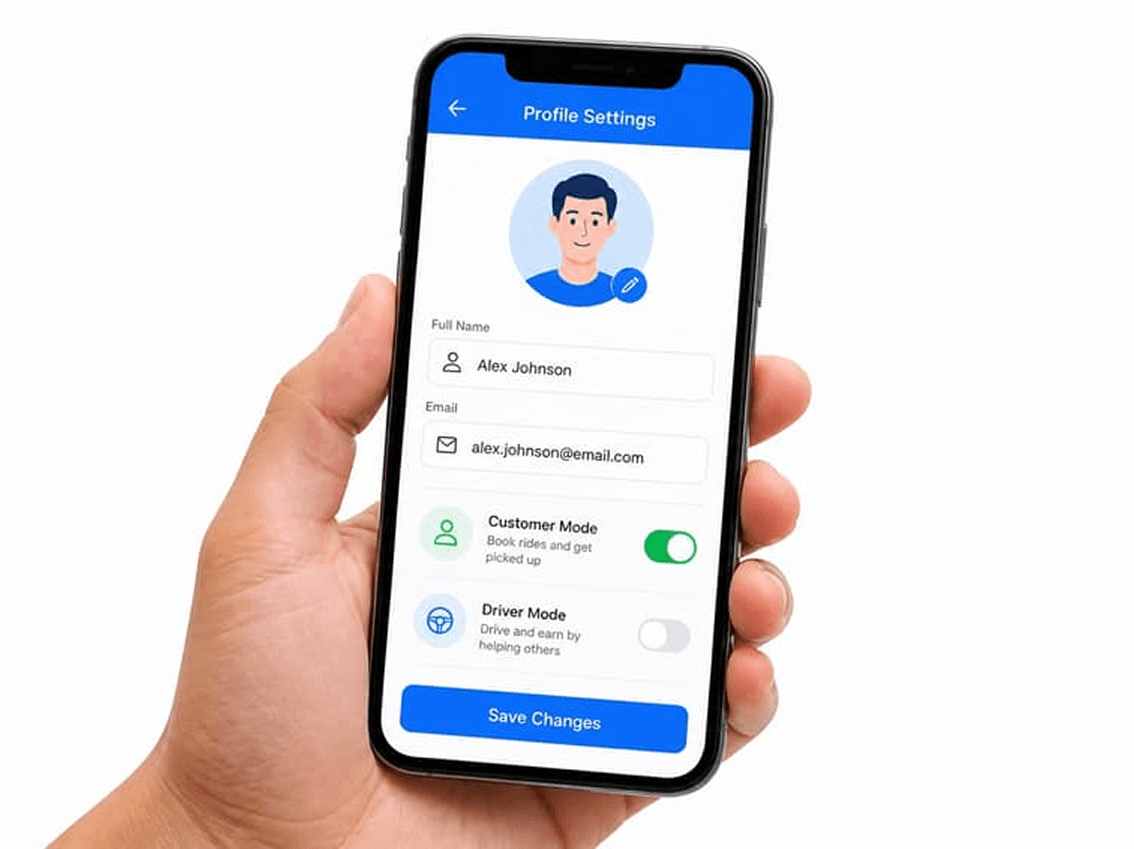
Getting started with RideApack is quick and simple.
Download the RideApack app
Available on the App Store and Google Play.
Sign up with your mobile number or email
Choose your preferred registration method.
Verify your contact information
Enter the verification code sent to your phone or email.
Complete your profile
Add your name, photo, and preferences.
Start using RideApack
Book deliveries as a customer or apply to become a driver.
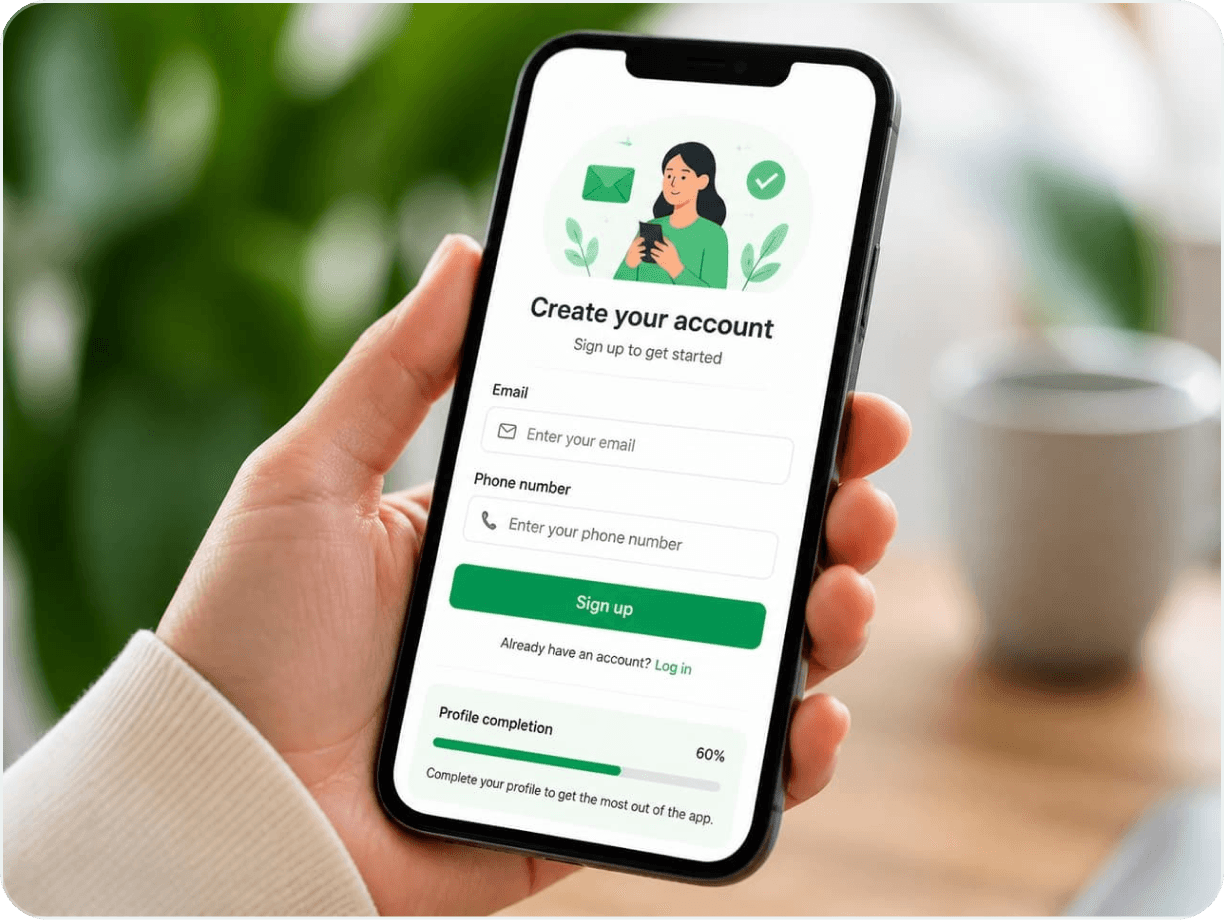
Users can securely access their RideApack account using their registered credentials.
If you can't log in, check the following:
A stable connection is required to log in.
Make sure you're using the correct registered account.
Passwords are case-sensitive. Try again carefully.
Tap Forgot Password on the login screen.
Keep your information up to date for a smoother experience.
All users can update:
Drivers can also update:
Expired documents may pause your ability to accept delivery requests.
If you're approved as a driver, you can switch between customer and driver mode directly within the app.

Stay informed throughout every delivery.
RideApack keeps you informed throughout the delivery process. You can manage notification preferences in app settings.
Booking confirmations
Driver assignment
Pickup updates
Delivery progress
Delivery completion
Wallet reminders (drivers)
Account updates
Promotional (optional)
Location access helps RideApack deliver a better experience. Users can control location permissions through their device settings.
Find nearby drivers for faster pickup.
Improve delivery address accuracy.
Provide navigation assistance for drivers.
Enable real-time package tracking where available.
For the best experience, set location permission to 'Always' or 'While Using the App' in your device settings.
Protect your RideApack account by following these security best practices.
Keeping your contact information current helps protect your account and ensures smooth communication.
Phone number
Email address
Emergency contact (if supported)
Some contact information changes may require verification before they take effect.
If you no longer wish to use RideApack, you can request account deletion through app settings.
Before deleting your account:
Certain information may be retained where required by law or to meet legal obligations. Account deletion is typically permanent.
Common issues and suggested solutions.
Always install the latest version for the best performance.
Stay informed about deliveries and account activity.
Accurate information helps ensure smooth deliveries.
A stable connection ensures reliable app performance.
Download the app, sign up with your phone number or email, verify your contact info, and complete your profile.
Read MoreYes. You can use a single RideApack account to switch between customer and driver mode once you're approved as a driver.
Read MoreGo to Profile in the app, tap Edit, and update your phone number. Verification may be required.
Read MoreGo to Profile settings in the app. Tap Edit and update your email. Verification may be required before changes take effect.
Read MoreTap Forgot Password on the login screen. Enter your registered email or phone number to receive a reset link or code.
Read MoreCheck that notification permissions are enabled in your device settings. Ensure Do Not Disturb mode is off and the app is updated.
Read MoreEnable location services in your device settings and ensure the RideApack app has location permission set to 'Always' or 'While Using'.
Read MoreGo to Account Settings in the app and select Delete Account. Complete any active deliveries and resolve wallet issues before deleting.
Read MoreAccount deletion is typically permanent. Contact support as soon as possible if you deleted your account by mistake.
Read MoreBe part of a community that delivers more, earns more, and
does good together.